Incident Reports
This page allows users to generate incident report forms for incidents, specifically related to "Forklift Collision/Near Collision". Currently, the acceptable forms are OSHA's Form 301 related to workplace injury and illness, and near-miss incident reports.
Creating Incident Reports
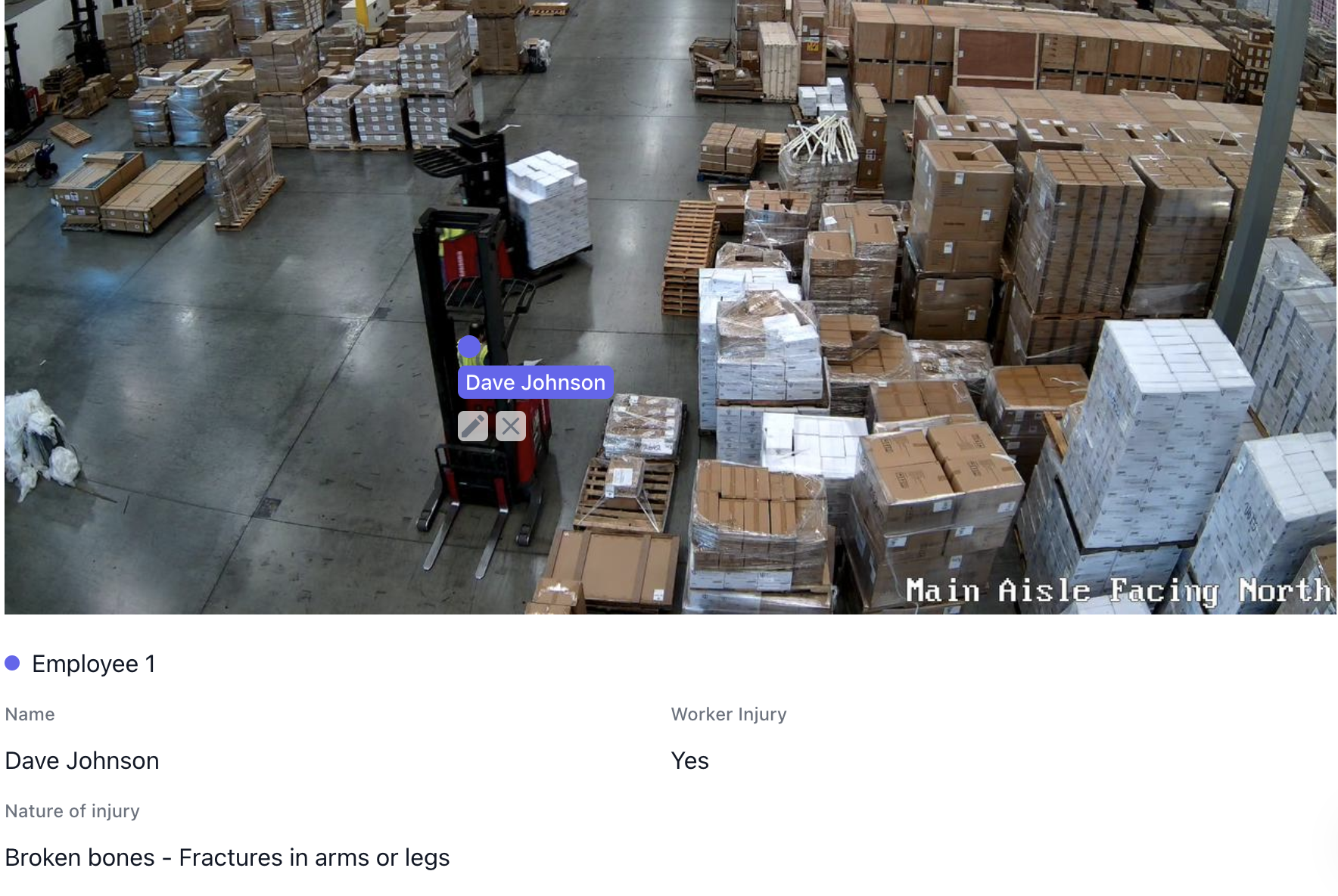
1. Mark involved workers
To create a new incident report, start by assigning/marking the involved workers.
- Click in the provided image on a worker.
- In the popup, fill in the employee's name and select if the worker was injured.
- If "Yes" is selected, select the nature of the injury. Multiple selections are acceptable.
- After submitting, continue to add more workers or edit/delete existing workers.
2. Select if equipment damages occurred
NOTE: Equipment damage report forms are coming soon. Damage involvement can still be recorded, and injury and near-miss forms will be generated as applicable.
3. Generate description
There are two options to generate a description:
- Generate description manually
- Generate description with Arvist AI
If "Generate Description with Arvist AI" is clicked, the description will be automatically generated by our AI, taking into the account the video of the incident as well as the previously inputted data (involved workers, injuries, etc).
4. Select related forms
Select the forms to be generated.
NOTE: The related forms will be automatically selected based on the previously inputted data.
Viewing Report Forms
After the reports have been generated, each PDF will be made available for viewing and can be downloaded for use with any standard PDF editor.
After Reports are Made
After a report has been made for a specific incident, a green checkmark will be located over the icon for generating reports. Clicking on this icon will navigate to the page listing all the reports made for the associated incident.